Bring your characters to life in minutes.
Turn your static designs into game-ready animations using AI.
How it works
From concept to game-ready animation in four simple steps
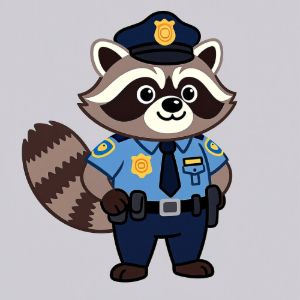
Generate or upload
Start with just a picture of a character.

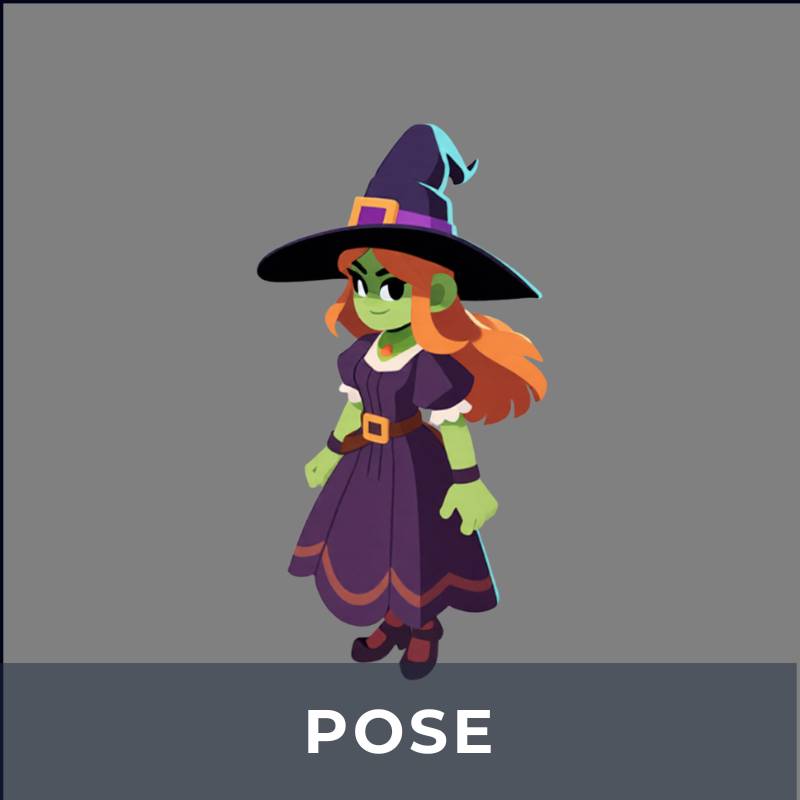
Pose your character
Set a pose and camera angle for the animation.
Animate your character
Run specially trained animation AI to add motion.
Export your animation
Export your animation as a game-ready spritesheet.

But it doesn't really work right?
Well, you should try it for yourself! I'll give you a free trial of 100 credits to get you started.
This project uses custom models trained by me. There are some very large advantages to training my own models, but there are also limitations to this approach. Here are some limitations that I am currently working on fixing:
- •Starting pose matters. The pose needs to match what the model expects pretty closely, or the animation loop might break. I'm working on making this more forgiving.
- •Hair and clothing can be stiff. Dynamic elements like hair and fabric don't always move as naturally as I'd like.
- •Props aren't fully supported. Characters holding weapons or objects might confuse the AI.
- •Pixel art can be unpredictable. The models sometimes have trouble understanding pixel art characters.
That said, you should give it a try!
If you like this project and want to support budding new tech in game dev, share this with a friend! Any feedback or suggestions are also appreciated.
Sign up now and get 100 free credits to experiment with.